
Episode Details
The Episode Details screen shows a single episode: its still, season and episode number, air date, runtime, and synopsis, with the name of its series above the title.
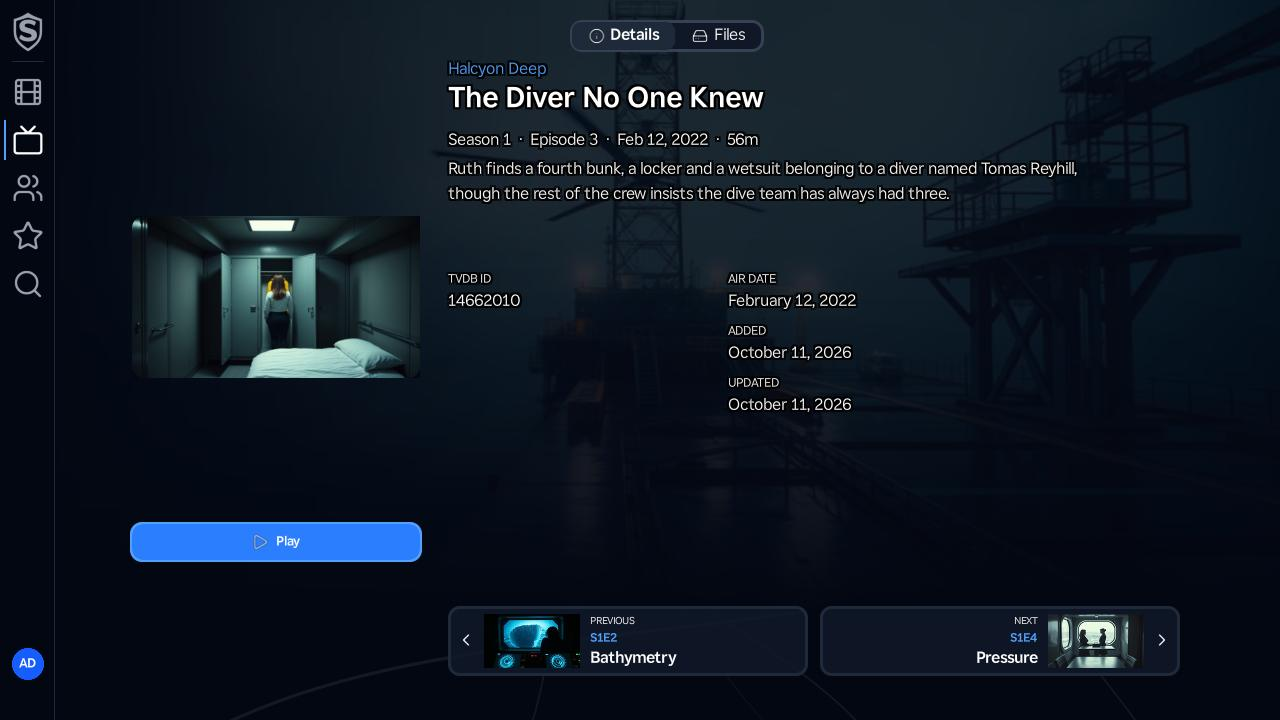
Play starts the episode in the video player (or resumes it, with a Restart button beside it, once you’ve watched part of it). The Files tab lists the video files available for the episode, the same way it does on a movie.
Along the bottom, Previous and Next cards show the neighbouring episodes with their stills. Pressing OK on one loads that episode in place, so Back still returns straight to where you came from, however many episodes you’ve stepped through. The first and last episodes show only the card that leads somewhere.
Titles, artwork, people and descriptions shown in screenshots are fictional and were created for illustration. Sovereign doesn't include or supply any media: it plays the library you bring.