
Episode Details
The episode details page is the TV equivalent of the movie details page.
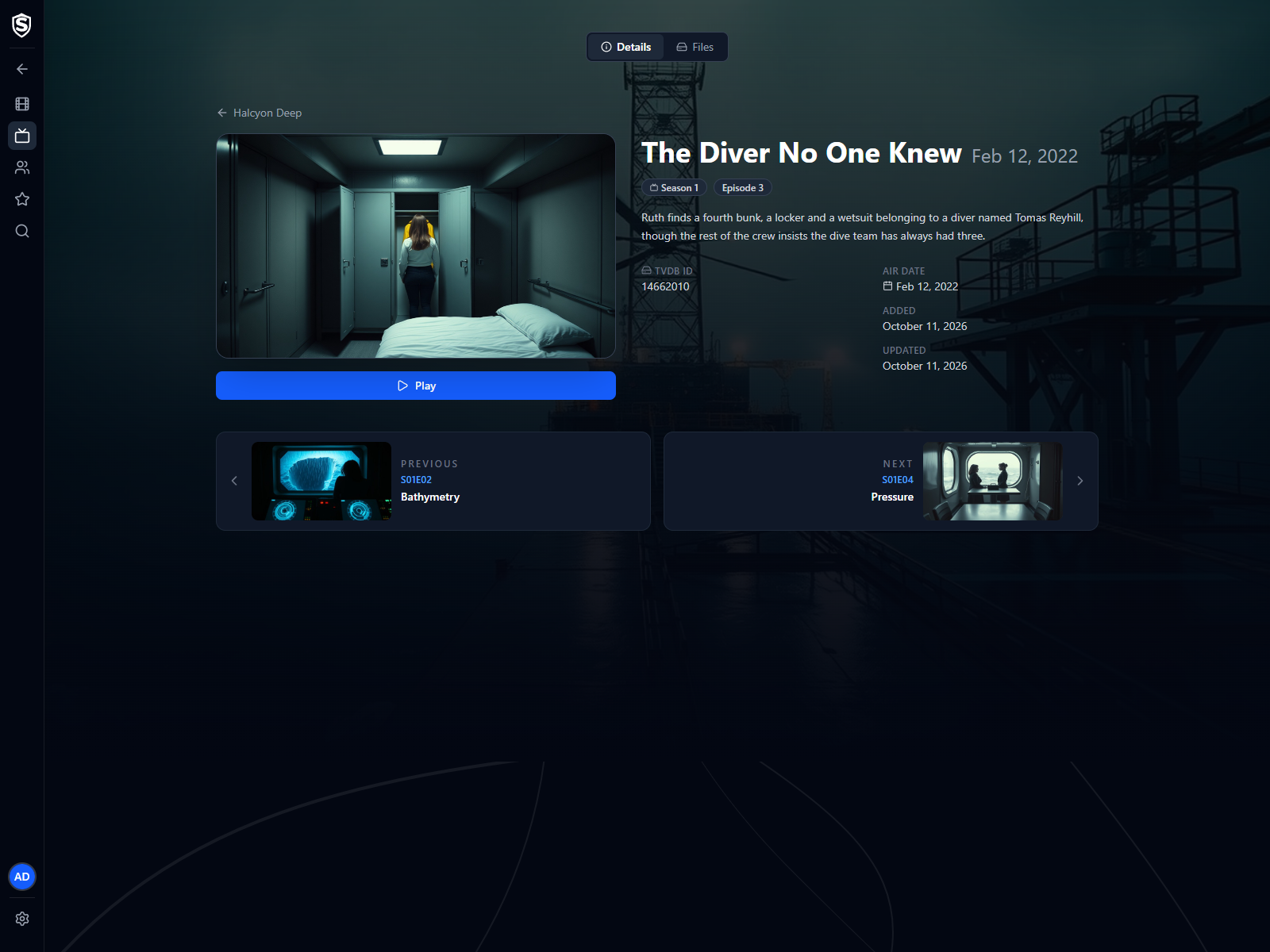
Details Tab
Section titled “Details Tab”- Series link - the link at the top, labelled with the series name, returns to the series details page.
- Episode still and Play - the Play button starts the highest-quality file in the video player. As on a movie, it becomes Resume with a timecode once you’ve started the episode, with Restart beside it.
- Title and air date - shown together at the top of the page.
- Season and episode - chips showing the season (or Specials) and the episode number.
- Synopsis and details - the episode overview, a link to the episode on TheTVDB when the library knows it, the air date, and when it was added to and last updated in your library.
Previous and Next
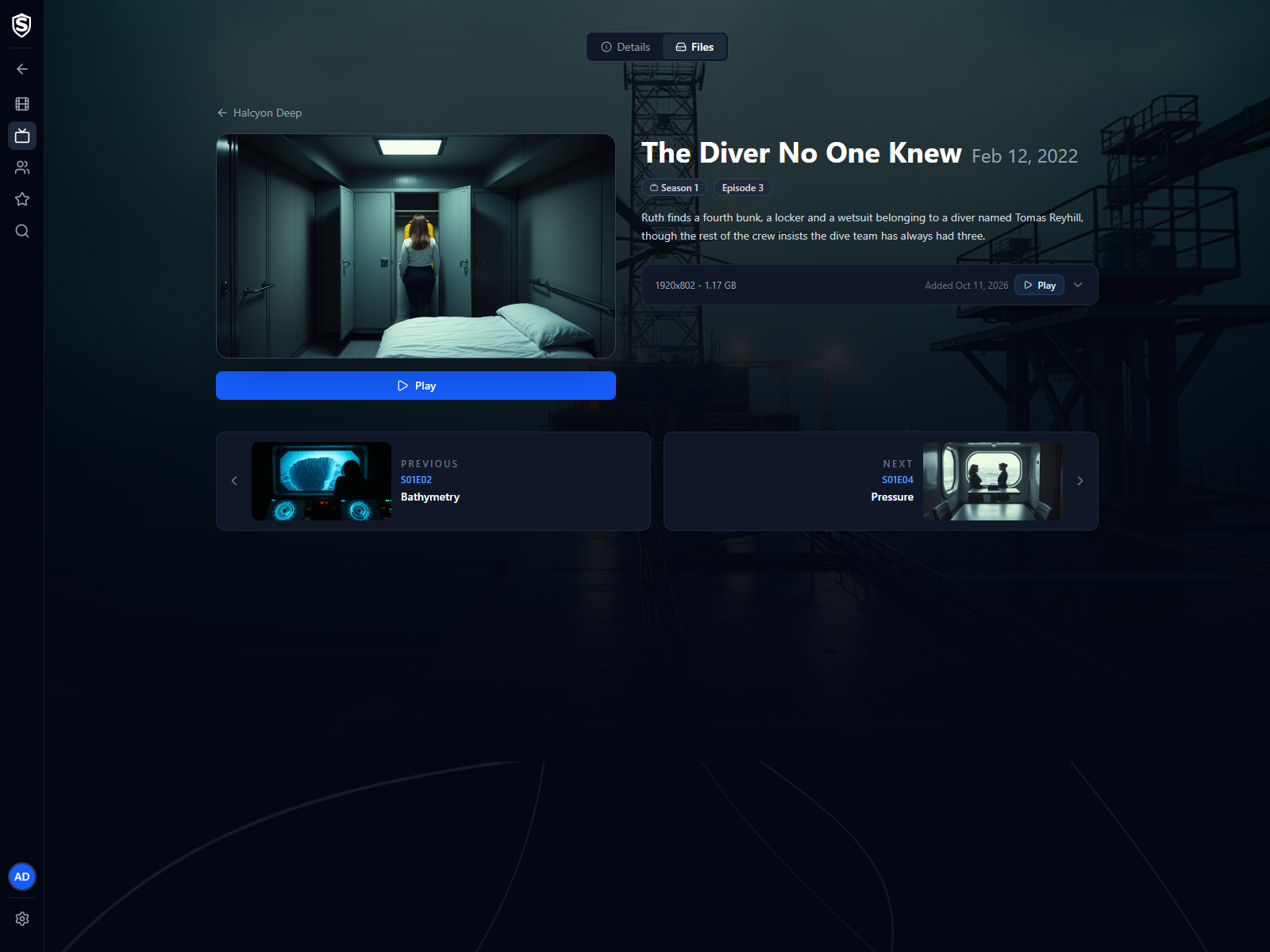
Section titled “Previous and Next”Cards below the episode step to the previous and next episodes in the series, each showing that episode’s still and title. Stepping runs straight across season boundaries and includes specials. The cards appear on both tabs. At the first or last episode of the series, the card for that direction isn’t shown.
Files Tab
Section titled “Files Tab”The Files tab lists each video file available for the episode, with the same expandable details and per-file Play action as movie files.
© 2026 Sovereign Media LLCdocs/v1.0.5@98b57ac305fc
Titles, artwork, people and descriptions shown in screenshots are fictional and were created for illustration. Sovereign doesn't include or supply any media: it plays the library you bring.