
Web Overview
The web interface is what you get by browsing to your Sovereign server. It’s where you browse and stream your library and run the server, and this section covers each of its pages.
Signing In
Section titled “Signing In”Browse to your Sovereign URL and sign in with your username and password. If Google or Microsoft sign-in has been configured, a Sign in with Google or Sign in with Microsoft button appears below the form and you can use that instead.
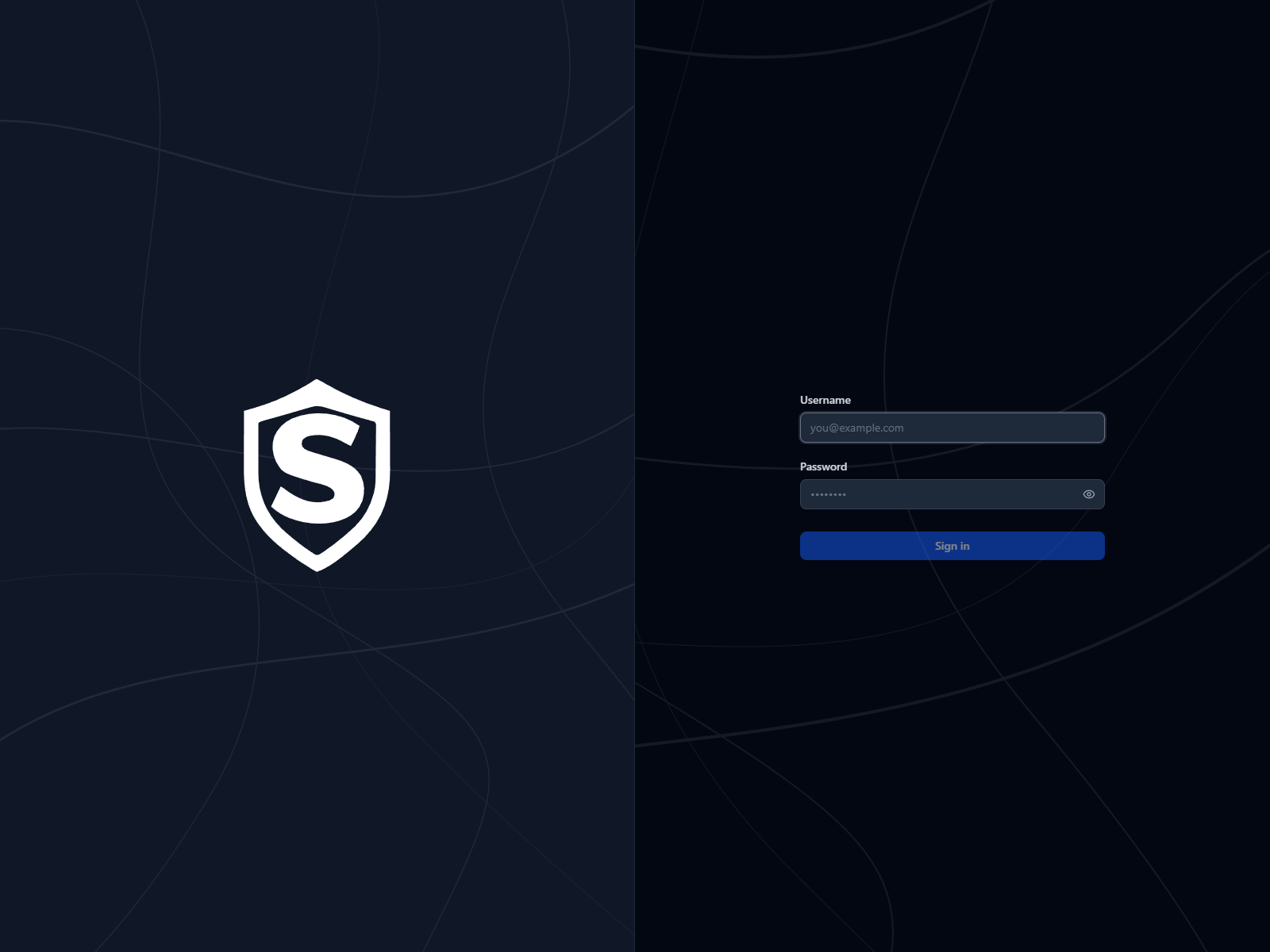
On first run, the administrator account is created from the credentials in your server configuration. Getting Started covers how to set them.
Navigation
Section titled “Navigation”Once you’re signed in, the left rail is always there:
| Icon | Destination |
|---|---|
| Sovereign logo | Home |
| Film strip | Movies |
| TV | TV Series |
| People | People |
| Star | Favorites |
| Magnifying glass | Search |
| Gear (administrators only) | Admin Settings |
Search looks across the whole library at once. Type at least two characters and the results come back as rows of matching movies, collections, TV series, episodes, and people. The gear at the foot of the rail opens a menu of the admin pages.
On a details page or in the player, a back arrow joins the rail just below the logo and returns you to where you came from.
Your avatar sits at the foot of the rail (just above the gear, if you’re an administrator) and opens the account menu, with links to User Settings and Sign out. On a phone, where the navigation moves to a bar along the bottom of the screen, the avatar sits in the top-right corner instead.
When the server’s license needs attention, a notice bar runs across the top of every page. Licensing explains what it says and why.
Titles, artwork, people and descriptions shown in screenshots are fictional and were created for illustration. Sovereign doesn't include or supply any media: it plays the library you bring.